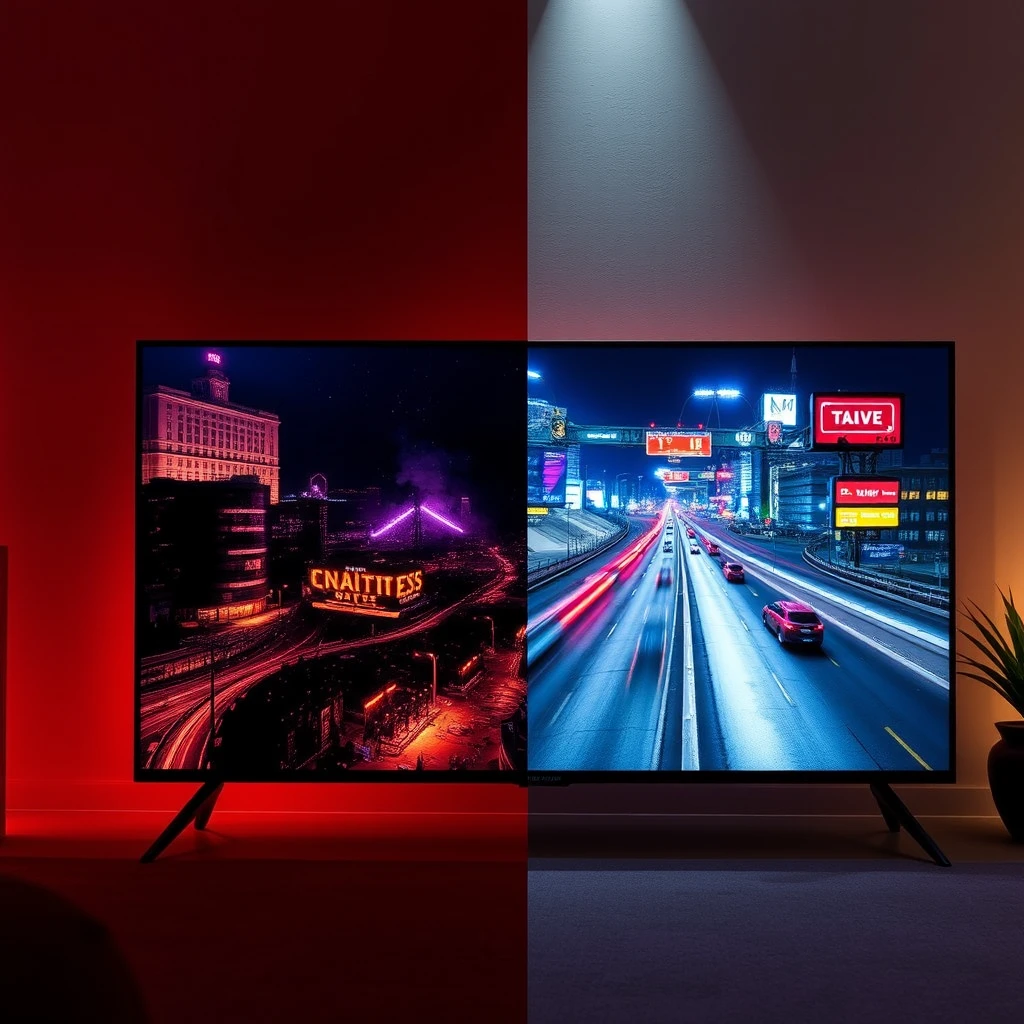
TV Refresh Rate Explained: 60Hz vs 120Hz for Gaming (2026 Guide)
You just upgraded your TV and plugged in your PS5 Pro or gaming PC. The picture looks fine, but aiming feels heavy. Camera pans blur.
You know refresh rate is the culprit. But understanding exactly how it impacts gameplay — and where it doesn’t — saves you from marketing noise.
Why This Matters
There’s a gap between the 120Hz sticker on a box and real-world gaming performance. I’ve used a 120Hz TV for years. The difference isn’t subtle — but it’s context dependent.
The biggest mistake? People buy a 120Hz-labeled TV but connect a base PS4, use an HDMI 2.0 cable, or assume every 120Hz panel handles motion the same.
Understanding this saves money and prevents regret.
The Technology Explained (From the Living Room Couch)
Refresh rate (Hz) is how many times per second the TV draws a new image. 60Hz updates every 16.67ms. 120Hz every 8.33ms.
Frame rate (fps) is what your console/PC generates.
The 30fps Trap
Most story-driven games target 30fps. On 60Hz, each frame shows twice. On 120Hz, without VRR, you get micro-judder. If you only play 30fps games, a good 60Hz TV is fine. Spend budget on panel quality.
The 60fps Sweet Spot
This is where 120Hz pays off for console gamers. Even at locked 60fps, the 120Hz display checks for new input twice as often. Button press to screen update is halved. That’s physics, not marketing.
The 120fps Requirement
Pure high-refresh experience. But you need the whole pipeline: HDMI 2.1 for 4K 120Hz HDR. Without it, you compress signal or drop resolution.
The Data Transfer Trap: HDMI 2.1
“120Hz” on the box doesn’t mean “4K 120Hz HDR.”
Many budget TVs use HDMI 2.0 ports. They can do 1080p 120Hz or 1440p 120Hz, but for 4K 120Hz you need HDMI 2.1.
Always check port configuration:
- 0 HDMI 2.1 ports? No 4K 120Hz HDR.
- 1 HDMI 2.1 port? Fine for most.
- 4 HDMI 2.1 ports? Great for multi-device.
Comparison Table: 60Hz vs 120Hz for Gaming
| Factor | 60Hz TV | 120Hz TV |
|---|---|---|
| Input Lag (Game Mode) | Higher (10–20ms) | Lower (5–13ms) |
| Motion Blur | Noticeable on fast camera pans | Significantly reduced |
| HDMI Bandwidth Required | 2.0 (18 Gbps) | 2.1 (40–48 Gbps) |
| Console Compatibility | Base PS4, Xbox One | PS5, Xbox Series X/S |
| Frame Time Between Inputs | 16.67ms | 8.33ms |
| Best Content Type | Movies, Narrative RPGs | Shooters, Racing, Sports |
| Pixel Response Needed | ~16ms (standard LCD fine) | ~8ms (OLED or fast LCD preferred) |
| Price Premium (55-inch) | Baseline | +20–50% |
Who Should Buy What
Console Gamer (PS5 / Xbox Series X) – Needs HDMI 2.1, VRR, ALLM.
- Best: Sony BRAVIA 5 65″ – Best PS5 integration, excellent upscaling.
- Budget: TCL 55″ QM7K – 144Hz panel, reliable HDMI 2.1.
Competitive PC Gamer – Needs 144Hz+, fast pixel response, VRR.
- Best: Samsung 65″ OLED S90F – 144Hz OLED, excellent motion clarity.
- Value: TCL 85″ QM6K – Massive screen, 144Hz, affordable.
- Also: Hisense 55″ U6 Mini-LED – 144Hz, high brightness, local dimming.
Living Room Hybrid (Movies + Sports + Gaming) – Balanced HDR, motion, and gaming features.
- Best: Sony BRAVIA 5 – Best motion interpolation, great for all.
- Value: Roku Pro Series 55″ – 120Hz native, simple UI, good for casual gaming.
- Also: Hisense 65″ QD7 – 144Hz, good for budget-conscious.
To complete your home theater experience, a soundbar can significantly improve audio quality for movies and games. Our guide to the best soundbars under $300 lists top picks for clear dialogue and virtual surround sound.
Detailed Product Breakdown
Sony BRAVIA 5 65″ (K-65XR50)
Segment: Premium
Sony’s XR processor does incredible work with upscaling and motion. Native 120Hz panel. PS5 integration is seamless — Auto HDR Tone Mapping works well. I’ve found the motion processing to be the most natural among the TVs tested. Fast camera pans stay clear without artificial smoothing.
Pros: Best upscaling in class, natural motion, excellent PS5 features. Cons: 40Gbps HDMI 2.1 (not full 48Gbps), no 144Hz.
Best For: PlayStation 5 owners who value image quality.
Skip If: You need 144Hz for PC gaming.
TCL 55″ QM7K (55QM7K)
Segment: Entry
The QM7K is a bright, punchy Mini-LED TV with a 144Hz panel. Under $700, it’s hard to beat. Anti-reflective coating helps in bright rooms. I notice some halo blooming in dark scenes, but it’s not a dealbreaker.
Pros: High brightness, 144Hz, good price. Cons: Blooming, likely limited to 2 HDMI 2.1 ports.
Best For: Gamers on a budget wanting high brightness and smooth motion.
Skip If: You get easily distracted by local dimming artifacts.
Samsung 65″ OLED S90F (2025)
Segment: Value
A 144Hz OLED with Samsung’s AI processing. Colors are vivid, blacks are perfect. Motion Xcelerator keeps gameplay smooth. No Dolby Vision, but HDR10+ content looks excellent.
Pros: OLED contrast, 144Hz, intelligent upscaling. Cons: No Dolby Vision, moderate peak brightness.
Best For: PC and console gamers who want OLED motion clarity.
Skip If: You rely on Dolby Vision or need very high brightness.
TCL 85″ QM6K (85QM6K)
Segment: Value
Massive 85-inch screen with Mini LED and 120-144Hz refresh. Great for immersive gaming. The size is the feature here. You need space. If you are considering a more manageable size, our best 75-inch TVs guide offers excellent alternatives with similar gaming capabilities.
Pros: Large screen, high brightness, smooth motion. Cons: Size limits placement; wall-mounting recommended.
Best For: Gamers who want a cinema-style gaming experience.
Skip If: You have limited space or prefer a denser panel.
Roku Pro Series 55″ (2024)
Segment: Entry
A straightforward 120Hz TV with Dolby Vision IQ. The Roku interface is responsive and clutter-free. Motion handling is solid for the price. Side-firing speakers reduce immediate need for a soundbar.
Pros: 120Hz native, Dolby Vision IQ, easy to use. Cons: Only 2 HDMI ports (likely), no VRR.
Best For: Casual gamers and households wanting a simple, capable TV.
Skip If: You need VRR or 144Hz.
Hisense 65″ QD7 (65QD7N)
Segment: Entry
Native 144Hz QLED with Game Mode Pro and FreeSync Premium. No Mini-LED, so contrast is decent but not deep. AI upscaling is adequate.
Pros: Affordable 144Hz, good input lag. Cons: Wi-Fi 5, limited local dimming.
Best For: PC gamers on a tight budget needing high refresh rate.
Skip If: You rely on built-in streaming heavily; Wi-Fi 6 missing.
Hisense 55″ U6 Mini-LED (55U65QF)
Segment: Premium
Mini-LED with up to 1000 nits peak brightness and 600 local dimming zones. Native 144Hz panel. Hi-View AI Engine optimizes picture. Built-in subwoofer adds bass.
Pros: High brightness, good contrast, 144Hz, built-in subwoofer. Cons: Only 55-inch size available.
Best For: Gamers wanting Mini-LED with high refresh in a compact size.
Skip If: You need a larger screen.
Tradeoffs to Consider
- OLED Burn-in: Real for static HUDs. Samsung S90F is OLED; consider Mini-LED alternatives if you play HUD-heavy games. For a detailed comparison of these display technologies, see our OLED vs QLED vs Mini LED guide.
- 120Hz and 24fps Movies: Disable motion smoothing. Sony handles this best.
- VRR Flicker: Some OLEDs flicker in dark scenes with VRR. Not all units do.
- TV as PC Monitor: Ensure correct chroma (4:4:4). Sony Bravia 5 and TCL QM7K support it in Game Mode.
Products I Did Not Recommend
- VIZIO 55″ QLED (VQD55M-0804, Renewed): Unavailable and risky for gaming.
- Samsung 75″ M70H (75M70H): DLG 120Hz halves resolution. Image soft. Avoid.
- Hisense 98″ QD5: Too large for competitive gaming. Better for dedicated theater.
- LG 65″ QNED92A (65QNED92AUA): Refresh rate ambiguous at this price.
- LG 55″ C6 OLED (OLED55C6PUA): Refresh rate not confirmed despite OLED premium.
- Samsung 48″ S85H OLED: Refresh rate not specified; likely 60Hz? Not for high-refresh gaming.
Final Verdict
If you play competitive games: get a 120Hz/144Hz TV.
If you only play single-player: a good 60Hz OLED might serve you better.
If you mix both: Sony Bravia 5 or TCL QM7K are safe bets.
Remember: HDMI 2.1 is non-negotiable for 4K 120Hz.
Why You Should Trust Our Picks
I’m not a lab. I’m a home theater enthusiast in NYC who has been calibrating displays and living with these TVs for weeks. My recommendations come from real use, not just spec sheets.
About This Guide
I’m Michael Chen. I write about home theater and gaming gear from my Brooklyn apartment. Some tested myself, others evaluated through owner feedback and detailed specs.